

hColorPicker
hColorPicker is a lightweight, simple color picker — like taking just the color picker from Photoshop — that lets you quickly select colors and copy color codes.

hColorPicker
hColorPicker is a lightweight, simple color picker — like taking just the color picker from Photoshop — that lets you quickly select colors and copy color codes.
About hColorPicker
hColorPicker is a lightweight, simple color picker — like extracting just the color picker from Photoshop — that lets you quickly select colors and copy their color codes. I created it because launching Photoshop every time I needed to pick a color while building websites felt like overkill.
Simple Color Selection

It’s a straightforward window for choosing a color and outputting its color code — nothing more, nothing less.
Wide Range of Color Code Formats
You can instantly copy the selected color to the clipboard in various formats:
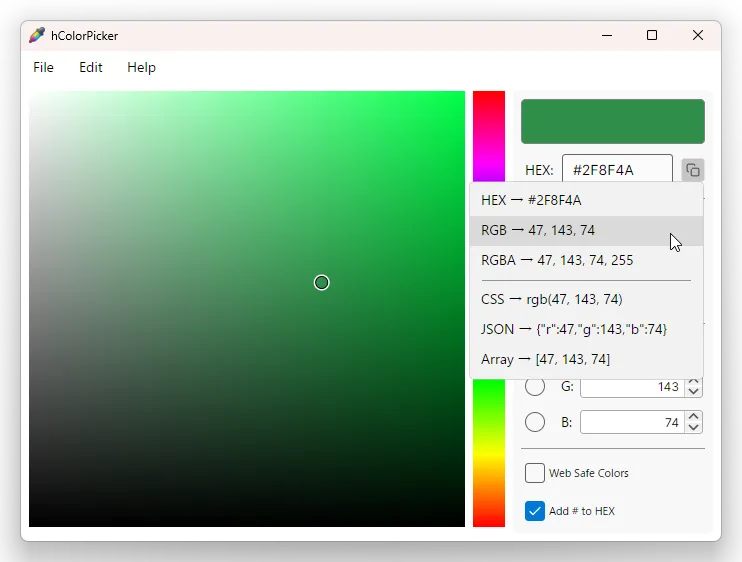
- HEX
#RRGGBB/RRGGBBAA(depends on whether “Prefix HEX with #” is checked) - RGB
R, G, B - RGBA
R, G, B, 255 - CSS
rgb(R, G, B) - JSON
{"r":R,"g":G,"b":B} - Array
[R, G, B]
ACO File Format Support
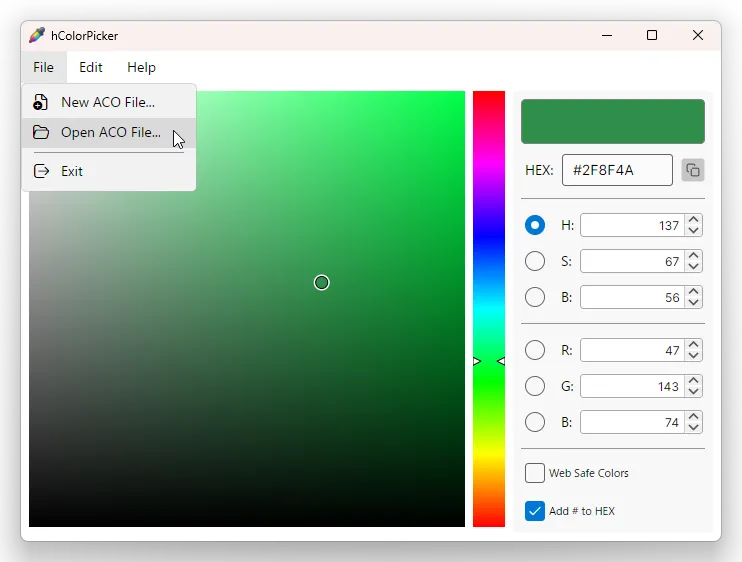
hColorPicker supports reading and writing ACO files developed by Adobe.
ACO files are color palette (swatch) files that let you save sets of colors you want to keep as a single file.
You can download and load color palette files published on Adobe Stock or by designers.
ACO file versions up to ver.2 are supported — all versions can be read and written.
Thumbnail view:
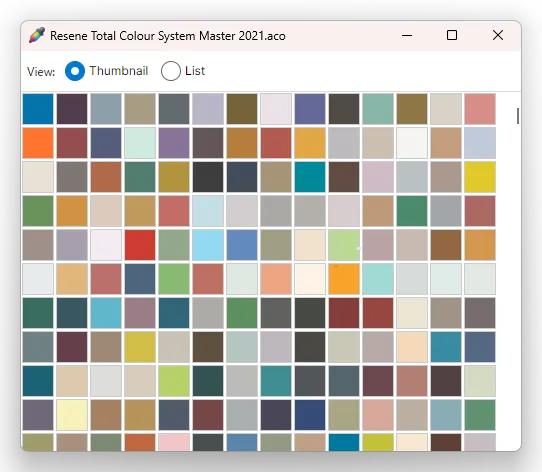
List view (displaying color text alongside):

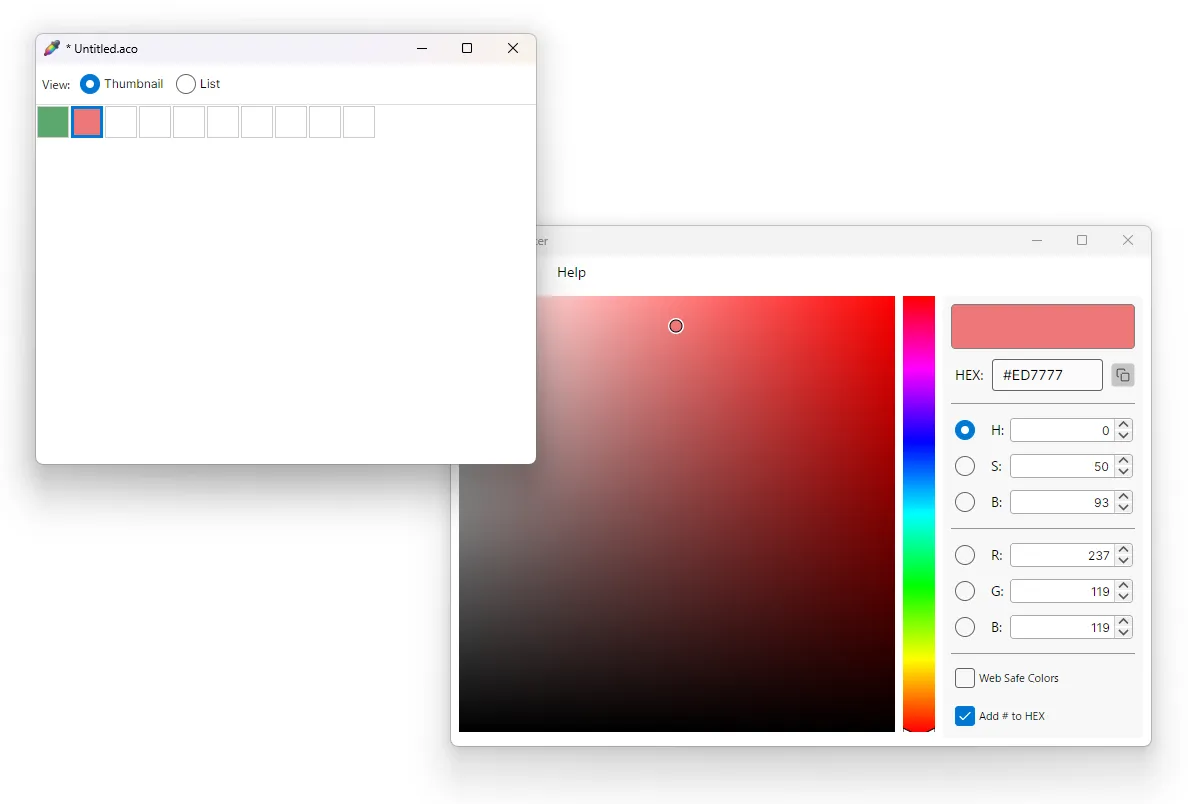
You can also create your own color swatch files (ACO files) from scratch. Simply select a palette slot and use hColorPicker’s color selector to apply the color.
Global Eyedropper
This feature is not currently implemented, as I haven’t needed it much myself. If there is demand, I’ll consider adding it.
Download
Windows
macOS
Open Source / License
hColorPicker is released under the MIT License.
Source Code
Bug reports, feature requests, and pull requests are welcome via GitHub Issues.
Contact
Please report bugs, feature requests, or pull requests via GitHub Issues.
Or contact us directly via the email address on our Support page.